Open the Homerun Desktop installer from your downloads.
If Windows says "Windows protected your PC", check the publisher is Ethereal Network Sciences PBC, then choose More info and Run anyway.
Pick a game, press Start, and send your friends the address.
13,691servers started since March 31
96countries with a server on someone's PC
5.6 minmedian from install to a running server
Five games, one app
Every game hosts the same way: pick it, press Start, send the address. Friends join from their own copy of the game.
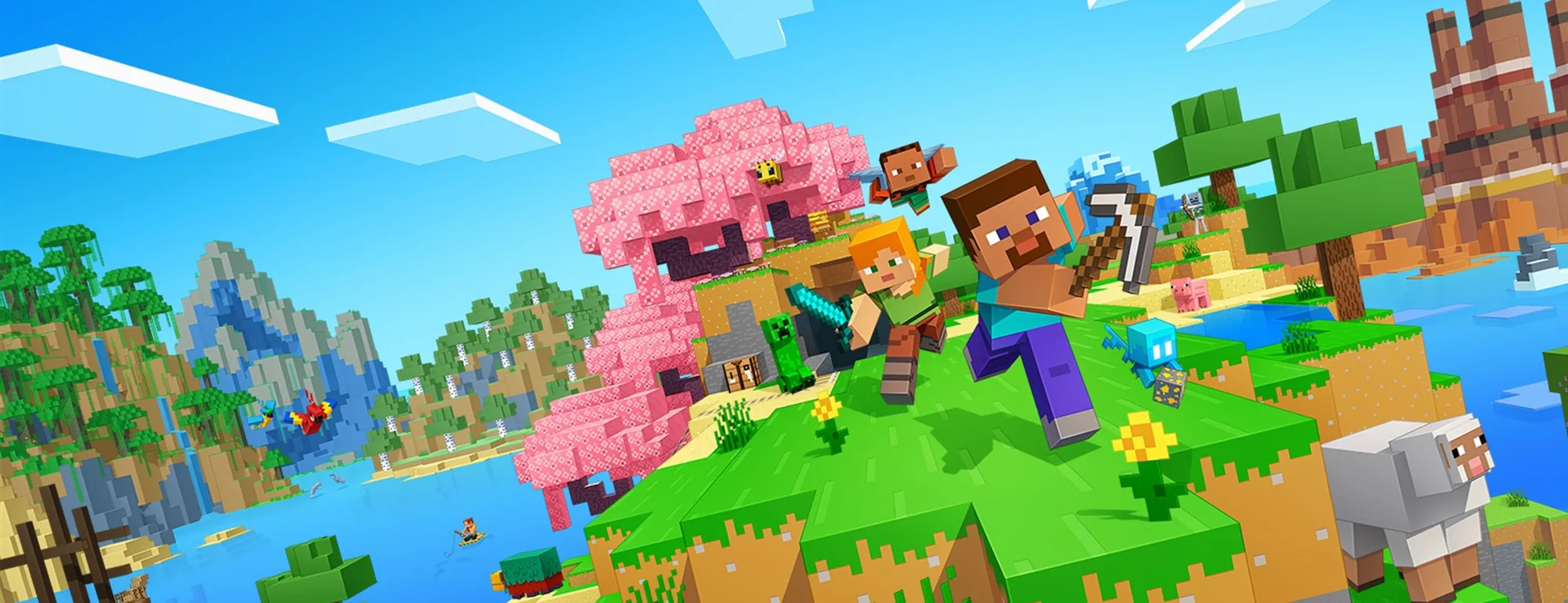
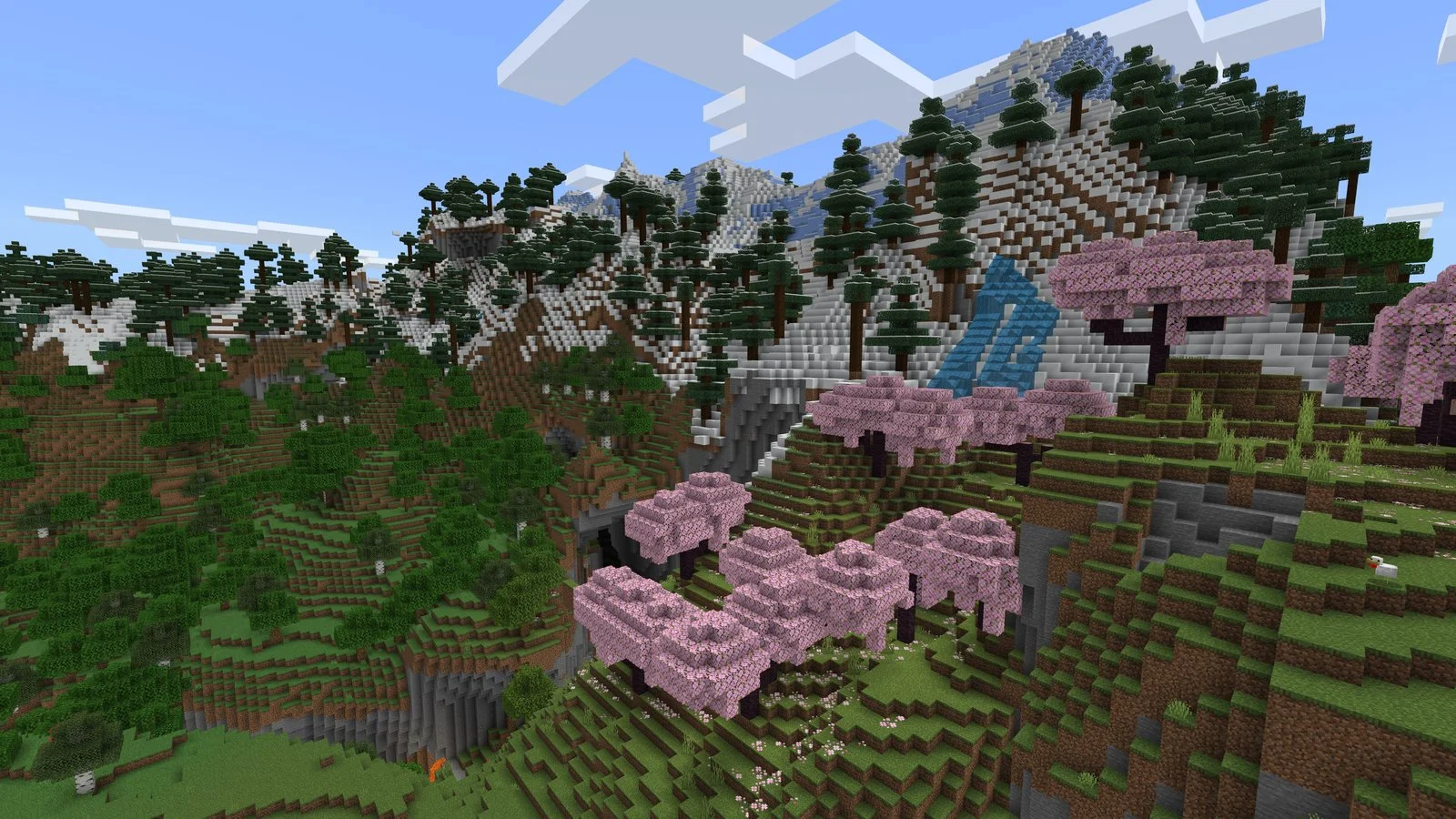
Minecraft
Free
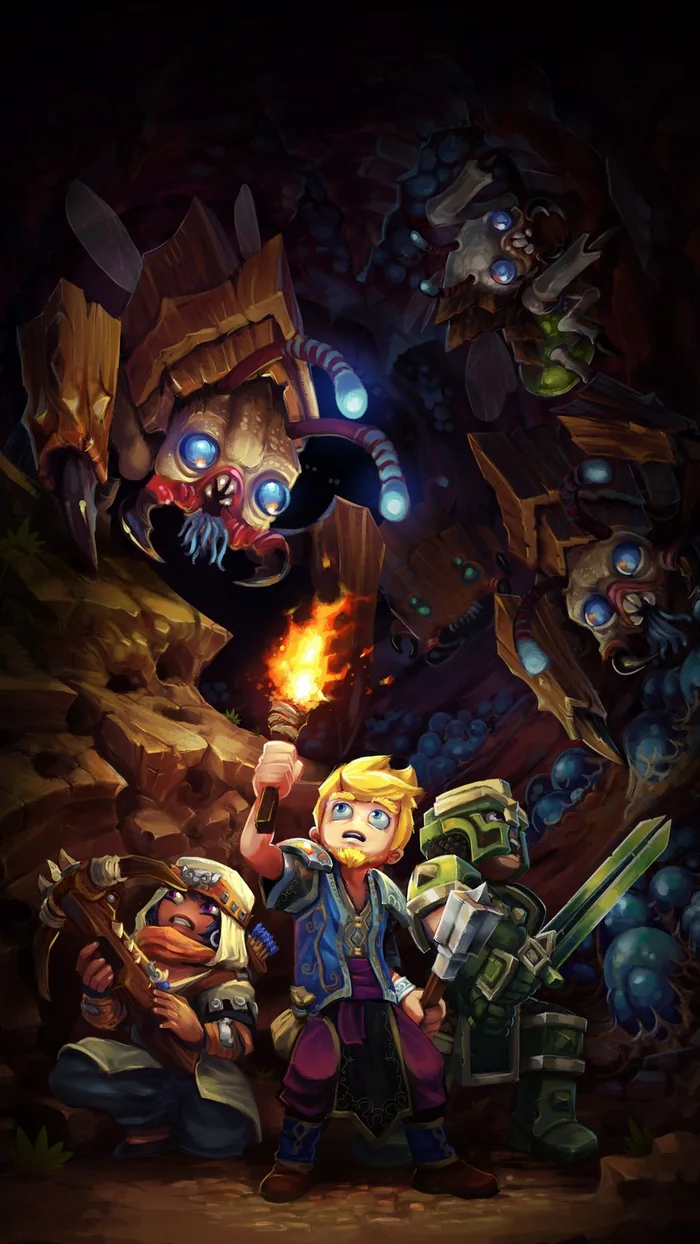
Hytale
$1.99 a month or Premium
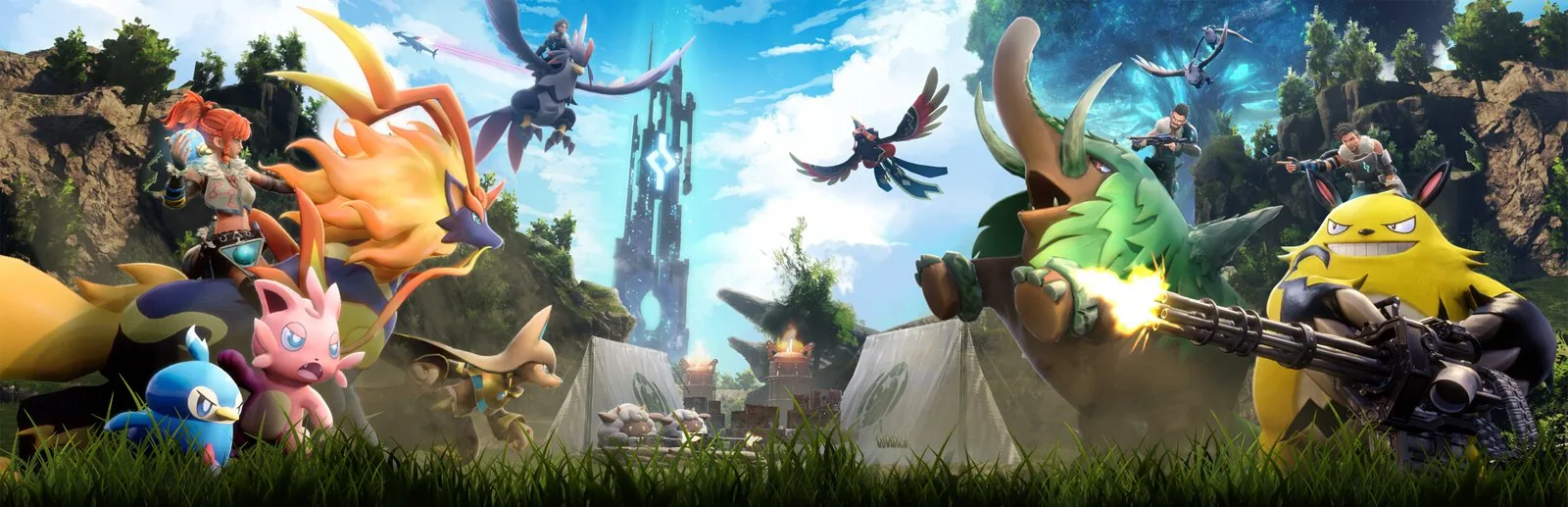
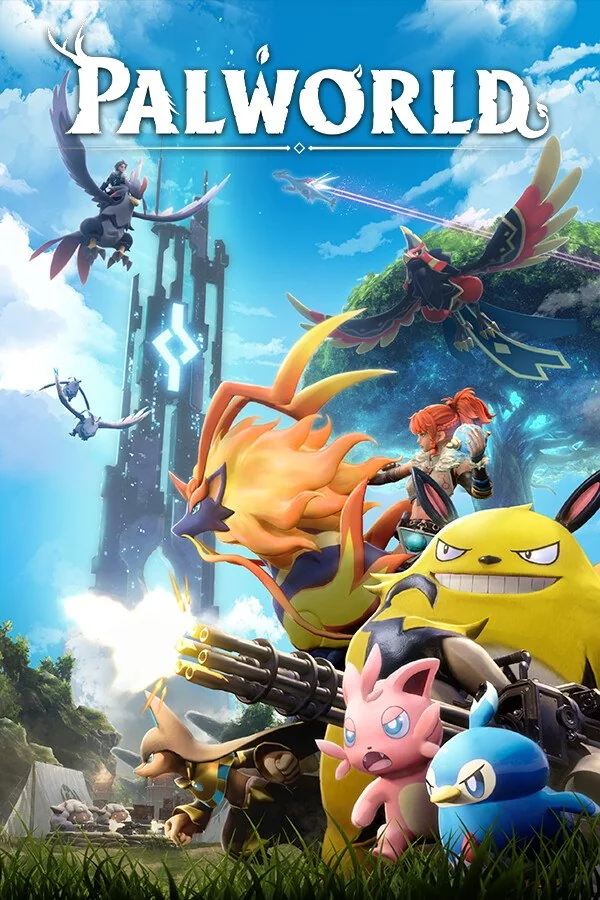
Palworld
$1.99 a month or Premium
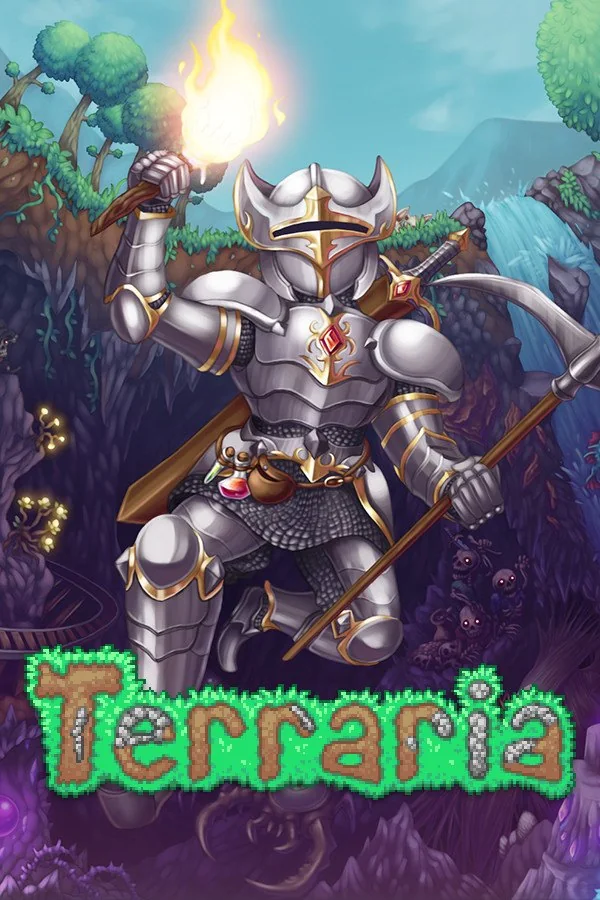
Terraria
$1.99 a month or Premium
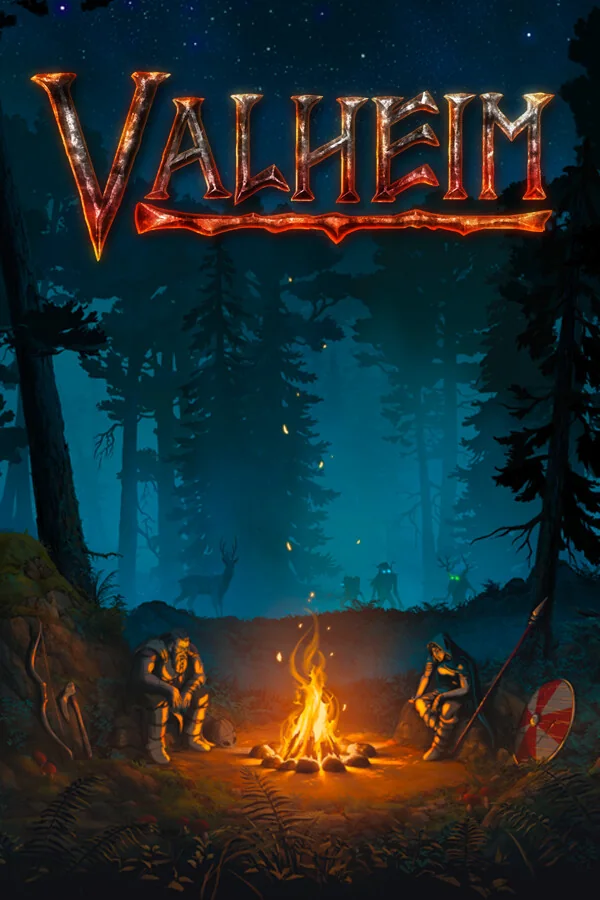
Valheim
$1.99 a month or Premium
Pick it, start it, send it
Homerun Desktop downloads the server, sets it up and runs it on your PC. No router settings, no config files, no command line.
1Pick a game
Minecraft Java, Bedrock or both in one world, or any game on the shelf.
2Press Start
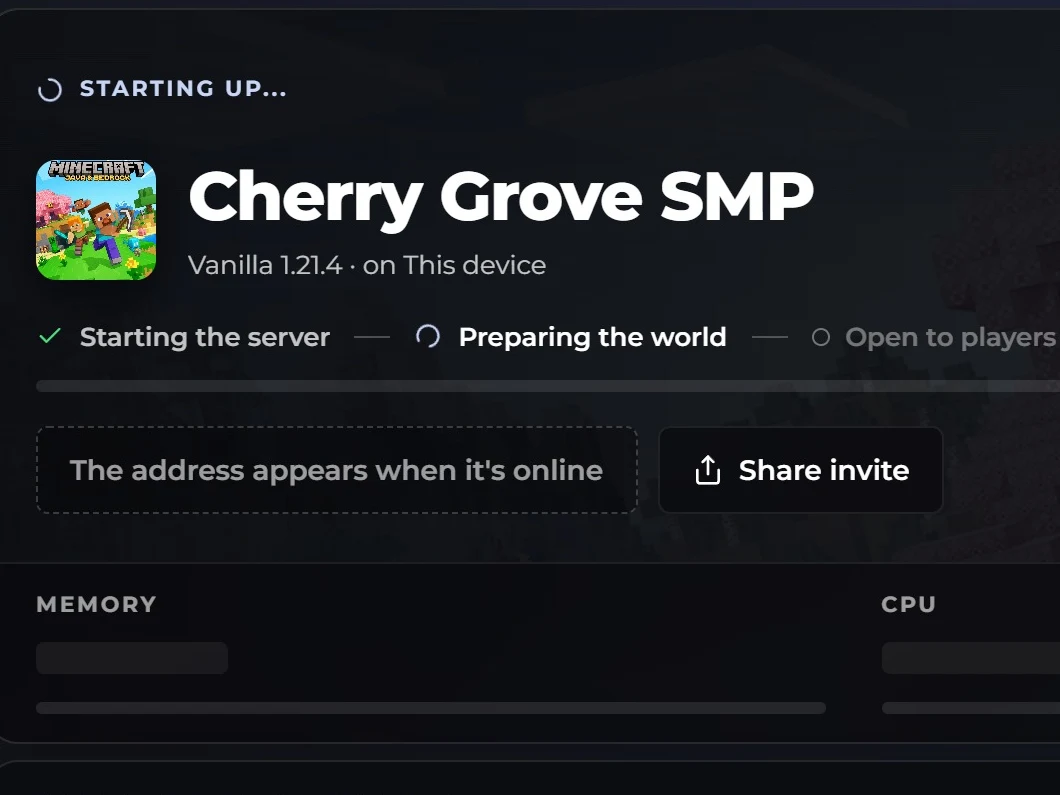
You see each step as it happens, and the address is ready when the world is.
3Send the address
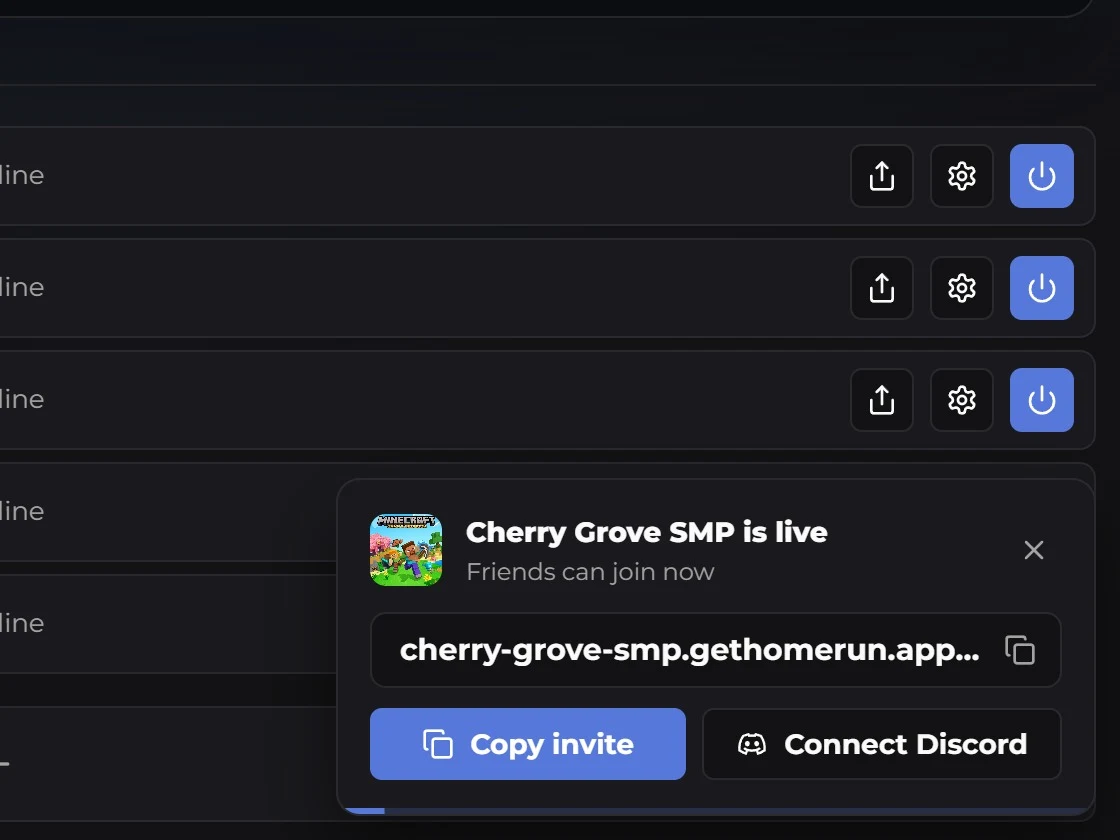
Copy the invite or post it to your Discord. Friends paste it into the game they already have.
Send one line. They're in.
Your friends don't install anything. They paste the address into their game's own multiplayer screen, so it works on school Wi-Fi, in dorms and where your internet blocks ports.
What you send
homerun-empire.gethomerun.app
Copy it from Homerun Desktop and drop it in your group chat. It stays the same every time you start the server.
What they see in Minecraft
Multiplayer, Add Server, paste. Your server shows up with its message and who's on.
The world doesn't wait for you
Pick the friends who can host. When you log off, any of them can start the world on their own PC from your last backup, at the same address.
AlexOwner
Logged off 10:40 pm
SamAdmin, can host
Hosting now
MayaAdmin, can host
Offline
kiro_buildsMember, can start and stop
Playing
Stopped
Cherry Grove SMPon Alex's PC
Backup saved at 10:40 pm
Online
Cherry Grove SMPon Sam's PC, from the 10:40 pm backup
0:00:262 of 8 playing
cherry-grove-smp.gethomerun.app
Every modpack on Modrinth, one click away
Search Modrinth inside Homerun Desktop and add a whole modpack to your server in one click. Fabric, Forge, NeoForge and Paper plugins all work.
Fixes before it startsKnown mod conflicts are fixed for you, and the console explains the rest in plain words.
Friends know what to installThe server lists exactly which mods they need to join.
Minecraft is free. Every other game is $1.99.
No free trial that turns into a charge. Servers, players and co-hosts are never capped; your PC is the limit.
Minecraft, freeJava, Bedrock and crossplay, mods and modpacks, co-hosts, and your latest backup.
$0
Add a game
Hytale$1.99 a month, with 5 GB of backups
Palworld$1.99 a month, with 5 GB of backups
Terraria$1.99 a month, with 5 GB of backups
Valheim$1.99 a month, with 5 GB of backups
Get every game
Homerun Premium
Hytale, Palworld, Terraria, Valheim and every game we add, with 20 GB of backups. It covers every server you're a member of.
$7.99a month, or $79.99 a year
Plans are bought inside Homerun Desktop. Download it, open Plans, and pick a game or Premium. Cancel any time in Settings.
Hosting Minecraft is free, with no card and no time limit. Hytale, Palworld, Terraria and Valheim need Homerun Lite ($1.99 a month per game) or Homerun Premium ($7.99 a month or $79.99 a year for every game). There's no free trial, so nothing charges you later.
My friend can't join. What do I check?
Make sure they pasted the exact address from your server card and are on the same game version as the server. Bedrock players also need the port, which is on the card too. On a modded server, they need the same mods.
Do I need to port forward? Will friends see my IP?
No port forwarding. Homerun Desktop connects your PC out to our network, and friends join an address like yourworld.gethomerun.app, so they never see your IP.
Does my PC have to stay on?
Yes, the server runs on your PC. Closing the window keeps it running in the tray. When you're off, an admin co-host can start the world on their own PC from your latest backup.
Is it safe to install? Why does Windows warn me?
Homerun Desktop is signed by Ethereal Network Sciences PBC and installs without an admin prompt. If Windows shows "Windows protected your PC" for a new release, choose More info, check that publisher, then Run anyway.
How much RAM do I need?
A 64-bit Windows PC with 4 GB of RAM and 5 GB of free disk. A Minecraft server gets a quarter of your memory by default, and a slider changes that. Palworld needs more, about 7.5 GB.
Do my friends need Homerun Desktop?
No. They need their own copy of the game and the address you send them. Nothing to install from us.
Can I use mods and modpacks?
Yes, on Minecraft Java. Search Modrinth inside Homerun Desktop and add a modpack in one click. Fabric, Forge, NeoForge, Quilt and Paper plugins all work.
Can Bedrock and phone players join?
Yes. Turn on crossplay and Bedrock players on phones, tablets and Windows join your Java world with the address and port.
Do I need an account?
No, you can host Minecraft without one. Sign in with an email link or Google to invite co-hosts, keep backups or get a plan.
Does it work on Mac or Linux?
No, Homerun Desktop runs on Windows. Friends on a Mac or Linux can still join your Minecraft server from their own game.
I'm a parent. Is it safe for my kid?
Servers are private unless your kid lists one, so only people with the address can join, and hosts can whitelist, kick and ban players. Accounts are for ages 14 and up, with a parent's consent below the age of majority.
Your PC is the server. Your friends are one address away.
Free for Minecraft. Running in about five minutes.